
Home


Website
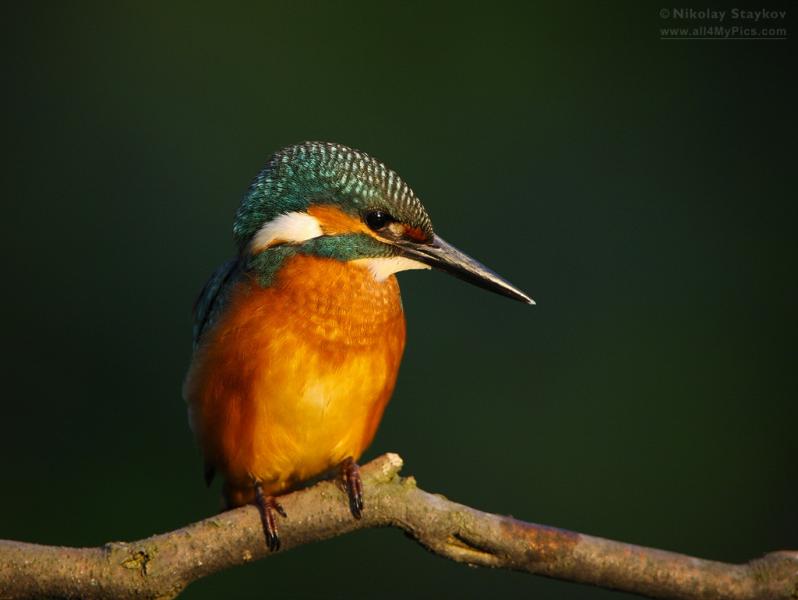
This web site is for photographic artists where they can become member of the site by registering with their email address, user name and password and start to publish and share their works with other members. They can publish public blogs or articles that can be viewed by members of the site or only friends. They can upload the artistic photos and share them to the public or only to friends in form of gallery. For the navigation to the different pages the main menu is subdiveded in to menus to the different areas members can be interested to look for. These include Blog Area, Members' Area, gallery, MyAccount, News, Forums, Archive and Contact us.
The MyAccount menu and its submenus will be displayed only for members. In its submenus members can find links to their profile page, their relationship page, a menu link to sign out and the add contents menu with its sub menus that allow members to add contents to the site. The Blog Area is available to public. Here members' blogs are listed in summarized form sorted by post date. Users can click on the title to see the full content and they can rate the blog and share it using the social media links. The Members' Area functions in the same way as the Blog Area. However, it contains articles published by members and is accessible only to members.
Members & Photos

Any photographic artist can become a member of the site, and by becoming a member they can share their artistic works and are able to view artistic works of other members. They can post blogs and articles, participate in events organised by the site such as webinars. They can vote on opinions that the site staff prepared in form of polls. Members can also view domain related news articles by clicking the News menu on the main menu. If members want to view contents that were posted some times ago, they can use the Arichive page to find contents sorted by months. On the forum page they can discuss issues they are interested in.
The other facilicty members are provided with on the site is that they can create their firends network. They can invite members to be their friends by visiting the member's profile page and clicking an invitation link or by sending an email invitation from MyAccount > My Relationships > Invite if the email address of the member is known. Once friendships is established members can restrict to share articles and images only to friends. They can also chat with friends directly if both are online.
Members can post their works of different categories. Categories include art, architecture, machines, people, portraite, others, nature, space and wildlife.
User login
QR-Code
